Everything you need to bring BlueKit into your classrooms

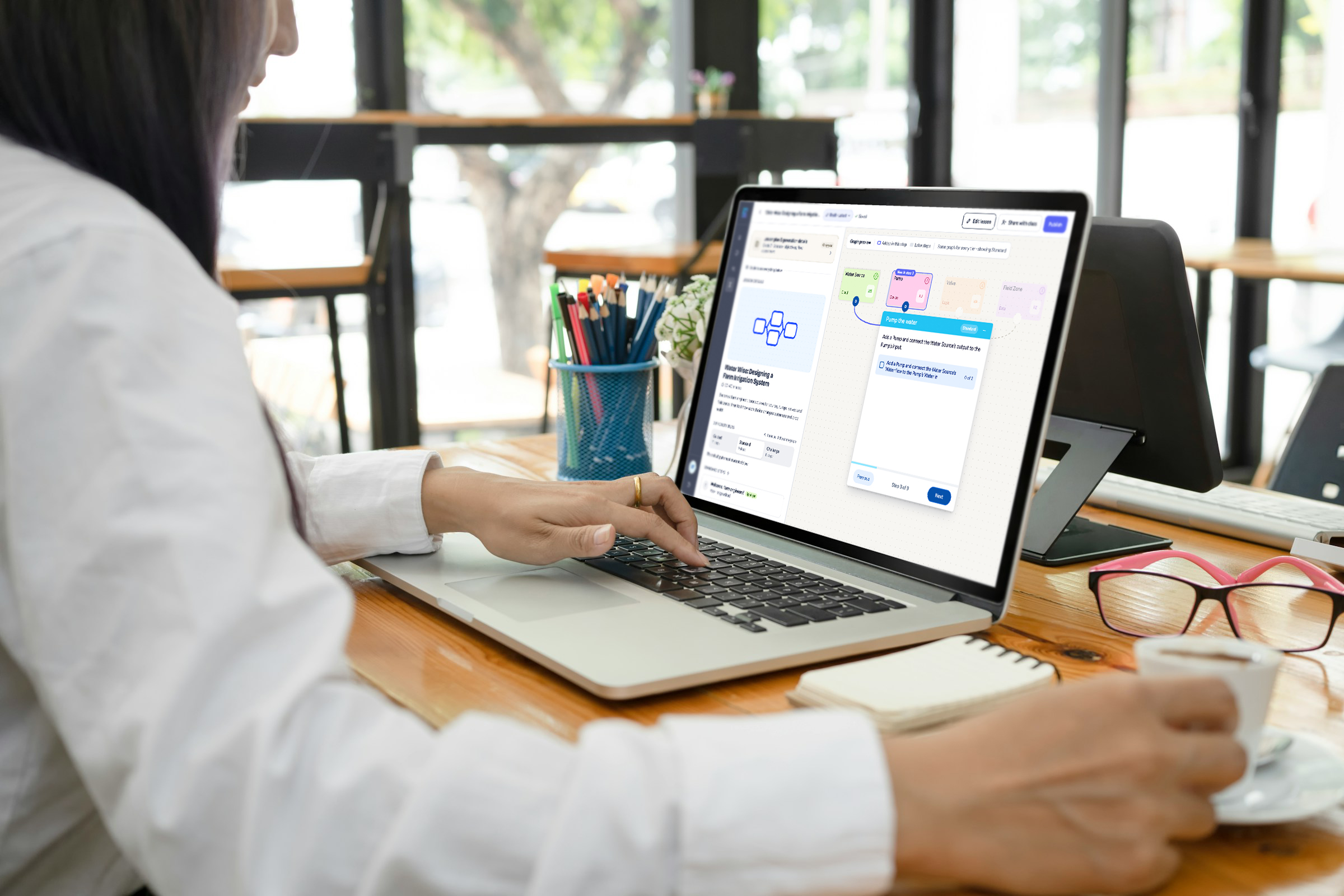
BlueKit gives educators the tools to create, organize, and deliver hands-on learning experiences connected to what they already teach.
Get started
Get started

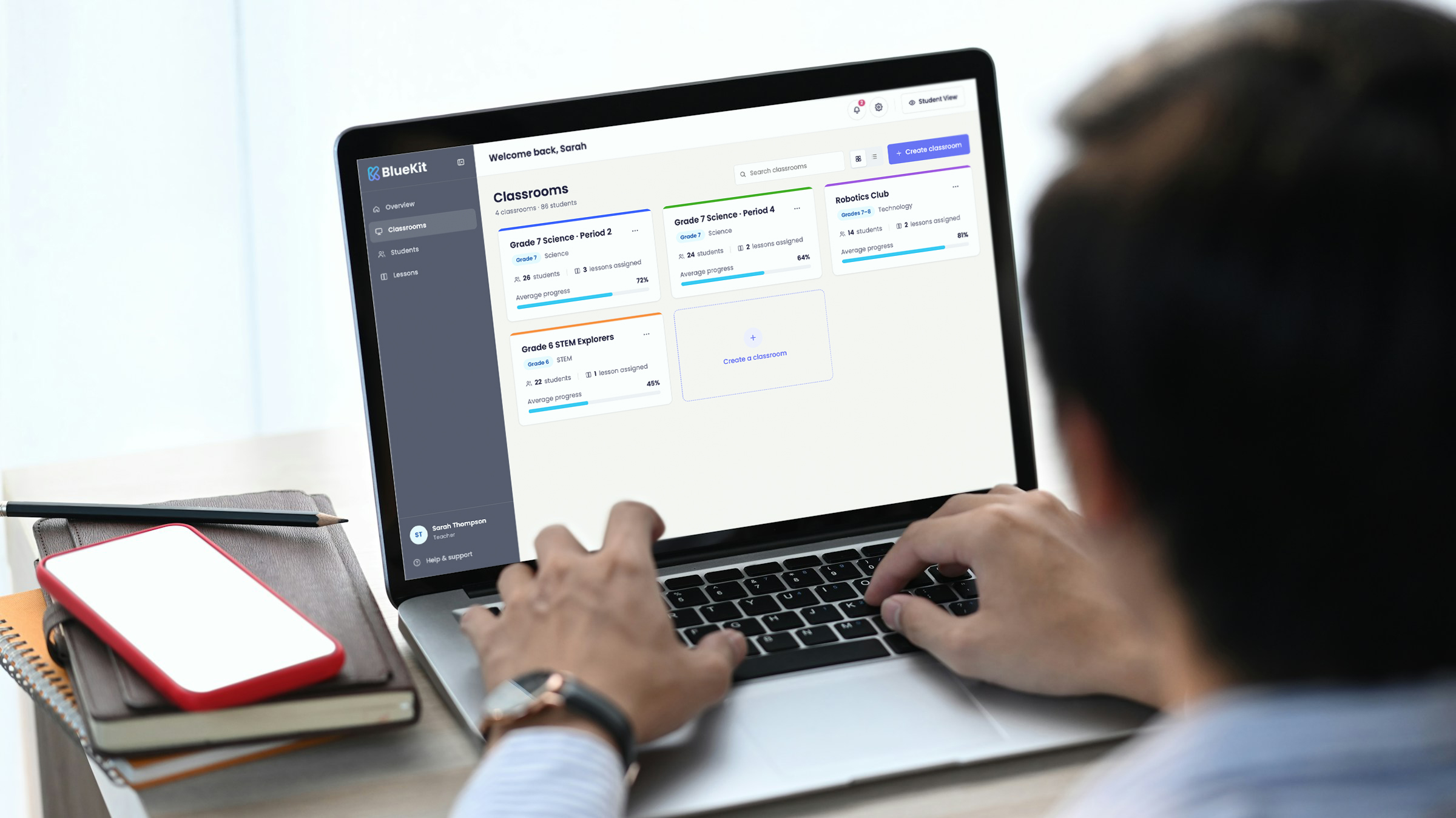
Manage your BlueKit classroom in one place

The Teacher Dashboard gives educators a central space to organize classrooms, assign lessons, and track student progress in real time.

Explore more
Explore more

Turn learning objectives into structured lessons

BlueKit helps educators quickly turn learning goals into guided, interactive lessons that students can explore, build, and apply in meaningful ways.

Explore more
Explore more

Turning learning goals into classroom experiences

BlueKit helps educators quickly turn learning goals into guided, interactive lessons that students can explore, build, and apply in meaningful ways.

Define & Create Lessons

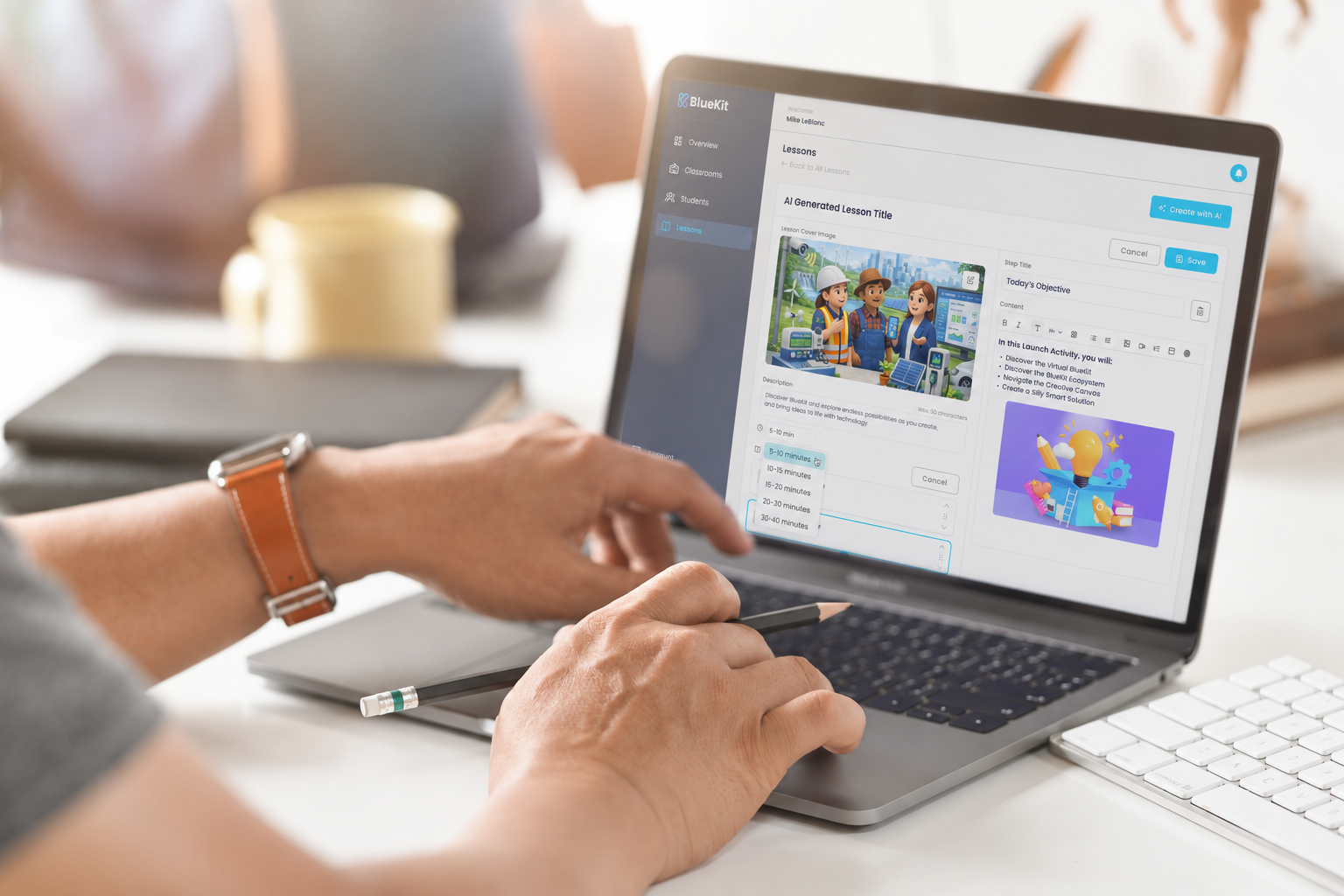
Choose your grade, subject, learning objective, and standards, then generate a new lesson or select an existing one that fits your classroom goals.
Review & Customize

Adjust the lesson, challenge, instructions, and context to match your teaching style and student needs before assigning it.

Students working on laptops in classroom
Manage Student Progress

Assign the lesson through the Teacher Dashboard, support students as they learn and build, and monitor their progress in real time.
Getting started with BlueKit

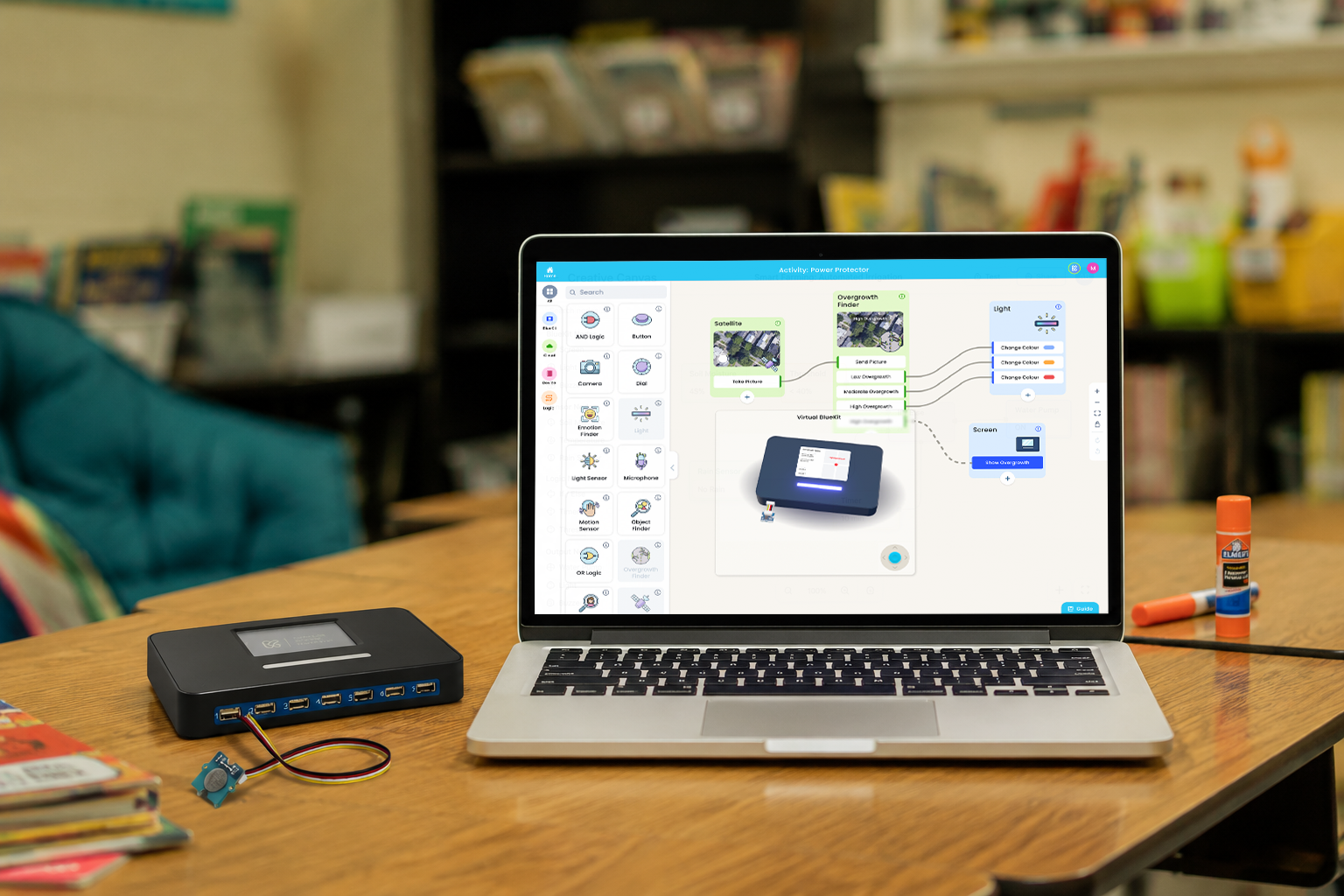
BlueKit is designed to fit naturally into your classroom, whether you want to begin digitally, bring in hands-on devices, or combine both approaches. Our team can help you choose the right setup and get everything ready for your students.


icon

Start Virtually: Use the browser-based Creative Canvas and Virtual BlueKit right away

icon

Add Physical Experiences: Introduce devices, sensors, and real-world data when ready

icon

Use Both Together: Combine virtual and physical into one connected classroom experience